
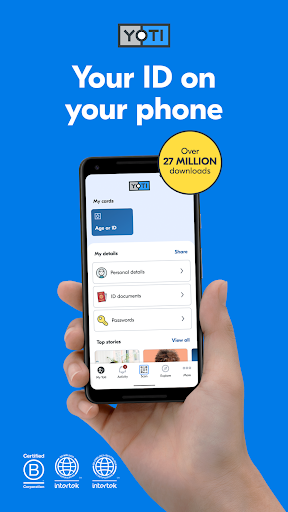
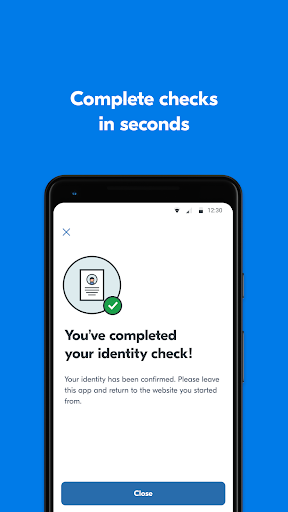
Yoti – your digital identity provides a secure platform for managing and proving your personal information to businesses and individuals. The app allows users to create a verified digital ID, which has been approved by the UK Government for use as proof of identity and age, though it is not accepted for alcohol purchases. Its primary function is to offer a convenient way to verify who you are, store third-party credentials, and enhance security for online accounts, all while prioritizing user control over data sharing.
Proving Identity and Age
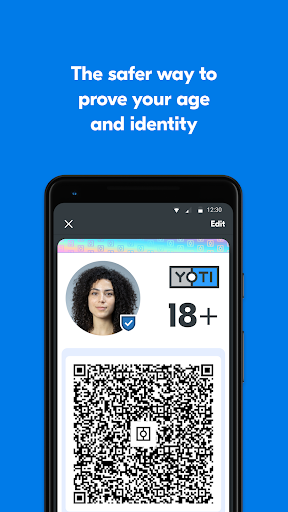
One of Yoti’s core capabilities is enabling users to prove their identity or age to businesses. This eliminates the need to carry physical documents for various verification needs. The app facilitates sharing only the necessary details, allowing users to control what information is disclosed during a verification process.
Secure Credential Storage and Management
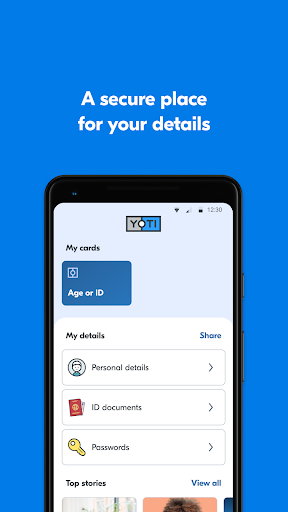
Beyond basic identity, Yoti offers a secure vault for credentials issued by third parties. Users can store items such as staff ID cards within the app. This centralizes important documents and allows for secure sharing when required, maintaining an organized digital record of various forms of identification.
Enhanced Online Security and Password Management
The app also extends its utility to online security. It provides an additional layer of security when logging into online accounts, helping to protect user data. Furthermore, Yoti includes a free password manager, allowing users to consolidate and manage all their login credentials within the app, simplifying access while maintaining security.
Creating Your Digital ID
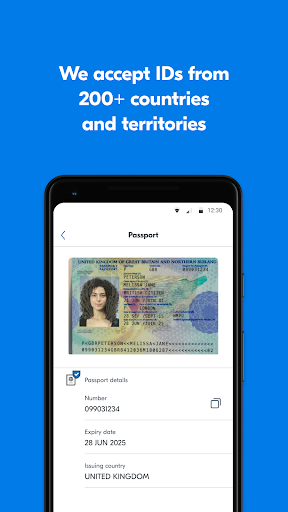
To create a digital ID, users begin by adding a phone number and setting up a 5-digit PIN for account protection. The process then involves a quick face scan for verification and account security. Finally, users scan a government-approved ID document to add their personal details. Yoti accepts passports, driving licences, PASS cards, and national ID cards from over 200 countries. Any details added are encrypted into unreadable data, accessible only by the user via their PIN, Face ID, or Touch ID, as the private encryption key is stored securely on the user’s phone.
Data Privacy and User Control
Yoti emphasizes user privacy, stating that it cannot share user details without explicit permission, nor does it mine or sell data to third parties. The app encourages businesses to request only the essential information, empowering users to share less data when verifying their identity.
Recent Improvements
Recent updates to the app have focused on improving the experience of adding, verifying, and managing email addresses. Additionally, the ID Protect feature has been enhanced to better safeguard contact details.






Write a review